Start with references
Upload up to three images to give the model a clear visual anchor for the subject and style.
Qwen Multi-Angles · Directed camera control
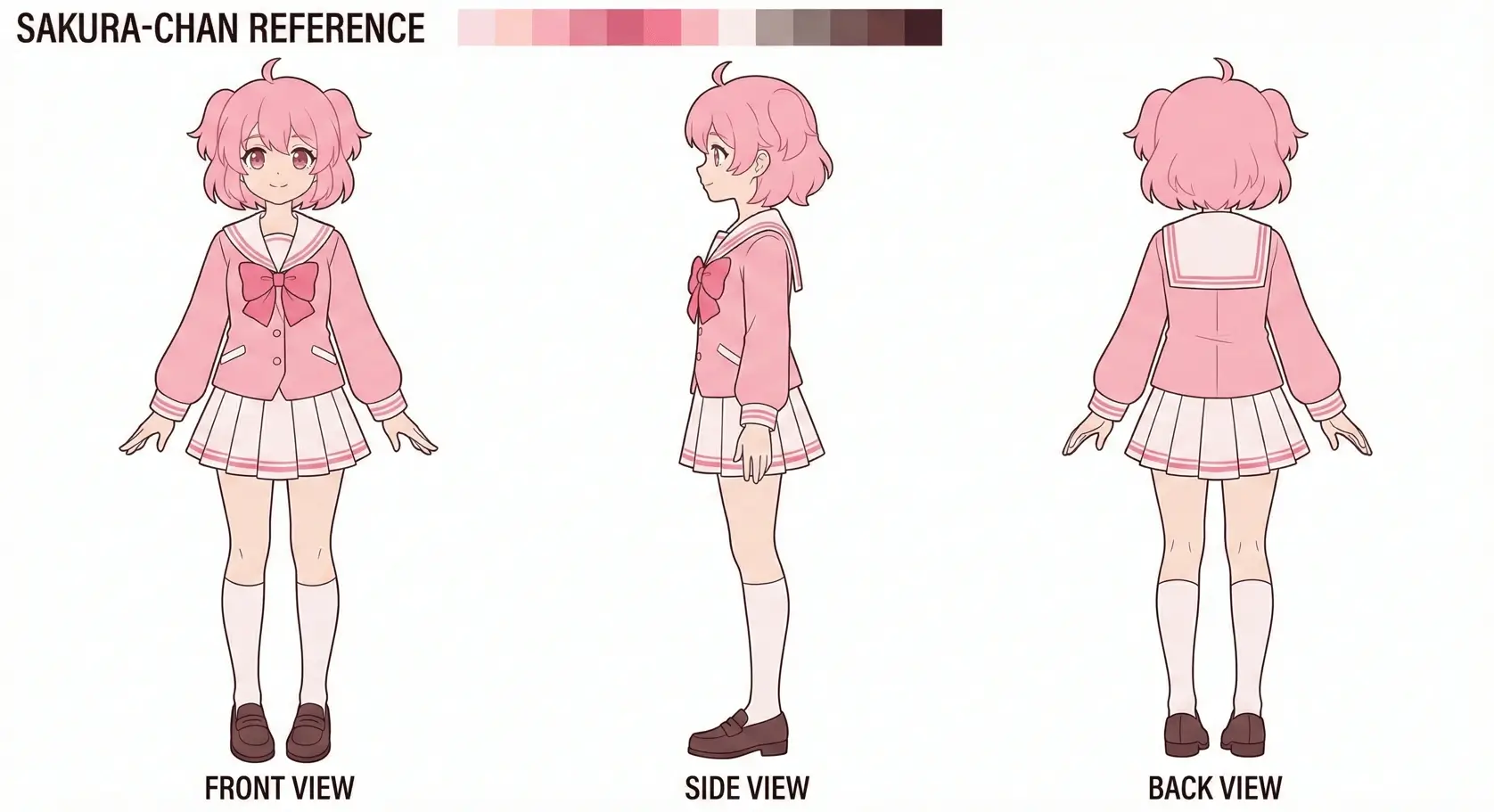
Create consistent front, side, and back views.
Upload up to three reference images, then choose the camera direction, height, framing, and export format for your next view.
8 directions · 4 camera heights · 3 framing options
01 / Product
Each generation follows the camera settings you choose, so you can build a reference set one deliberate view at a time.
Upload up to three images to give the model a clear visual anchor for the subject and style.
Choose from eight directions, four camera heights, and three framing distances before you generate.
Download the generated view as JPEG, PNG, or WebP and continue in your creative workflow.
02 / Examples
Explore character, asset, and concept examples at a scale that keeps the visual details visible.
Use anime illustrations as references for directed views in Live2D and VTuber planning.
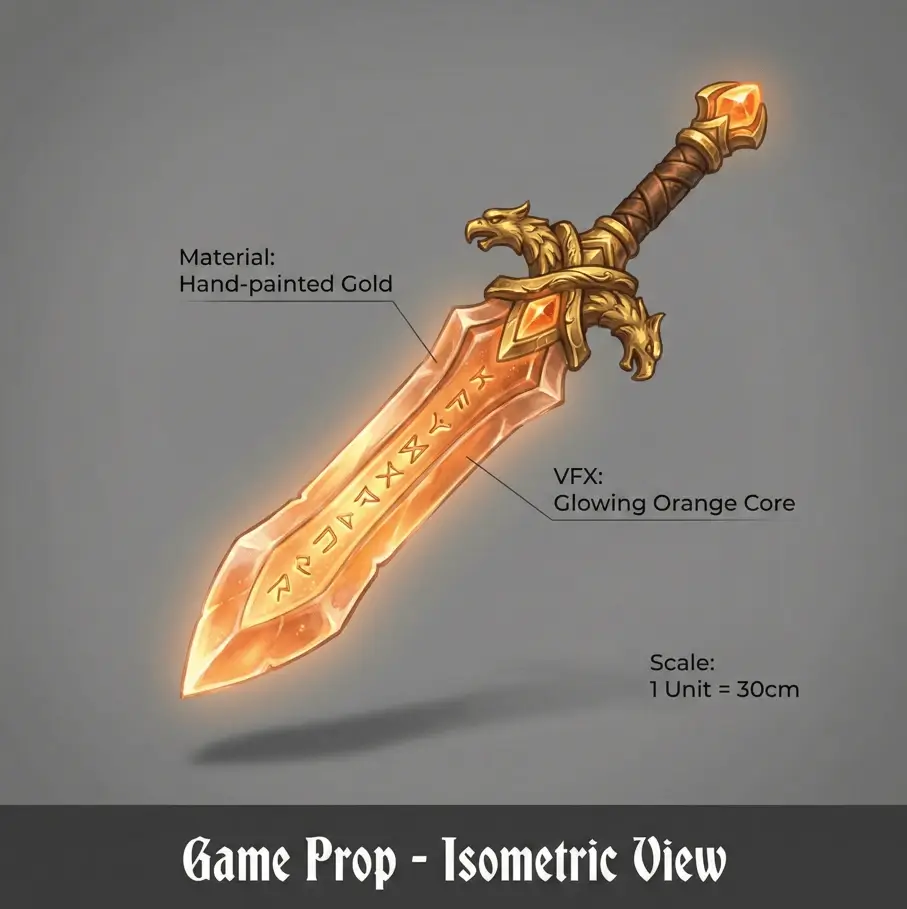
Create additional character references for Blender, Maya, and ZBrush modeling workflows.
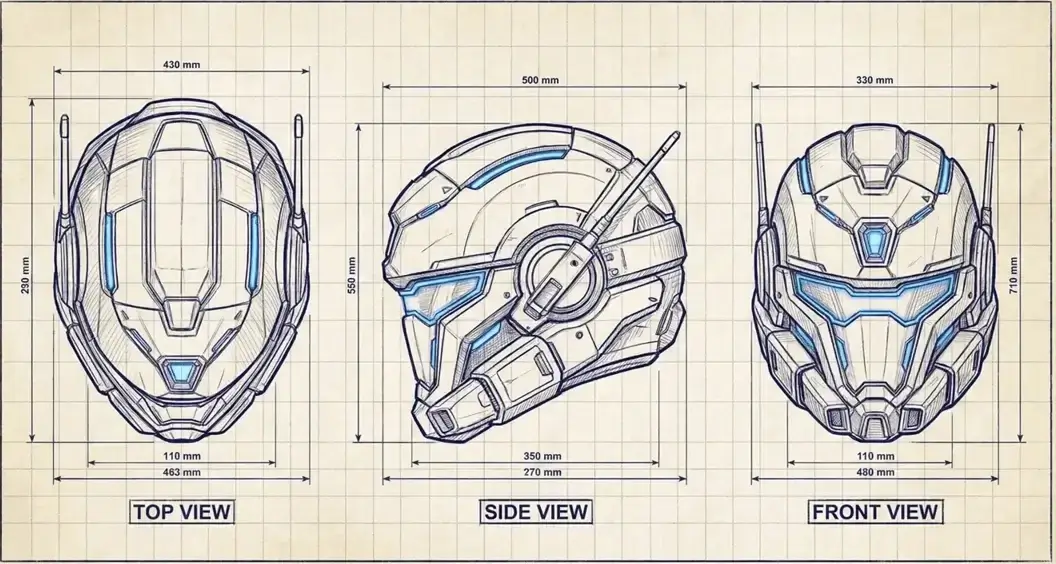
Explore new camera directions from concept art while keeping the source image as your visual anchor.
03 / Use Cases
Optimized workflows for every type of creator.
Generate additional camera views to support 3D asset planning and modeling references.
Explore a character from selected directions before commissioning or refining a Live2D rig.
Use camera controls to explore a concept from new directions without redrawing every reference by hand.
04 / Multiple Angles Pro
Bring a reference, choose the camera, and generate the angle your workflow needs.